How long does an AI automation project take? Realistic timelines
Editorial timelines for common small-business automations, what makes them slip, and which parts of the calendar belong to you, not the builder.
3 min read Reviewed 22 September 2026 · AgeBridge Editorial

A single small-business automation by an independent builder takes one to two calendar weeks for lead replies and reminders, two to four for follow-up sequences and document extraction, and three to six for an assistant that answers from your own documents. Those are editorial estimates dated September 2026, and they assume the builder has access and a decision-maker from day one. Building itself is a third of that time; the rest is discovery, testing on real data and hand-over, and much of the waiting is on your side of the table.
Where the time goes
| Phase | Share of the calendar | Who it waits on |
|---|---|---|
| Discovery and brief | 15% | You: the task, the number, the exceptions |
| Access and setup | 15% | You: admin access; vendors: verification |
| Build | 30% | Builder |
| Testing on real data and fixes | 25% | Both: you supply cases and judge them |
| Hand-over and first week live | 15% | Both |
Two of the five phases are mostly yours. A builder can't start without access or finish without your test verdicts.
| Editorial timelines from kick-off to hand-over (calendar weeks) | weeks |
|---|---|
| Lead reply + CRM entry | 1–2 weeks |
| Appointment reminders | 1–2 weeks |
| Quote follow-up sequence | 2–3 weeks |
| Invoice extraction to sheet | 2–4 weeks |
| Support assistant on your documents | 3–6 weeks |
Editorial estimate, September 2026, for a single automation by an independent builder with access and a decision-maker available from day one. Not marketplace data. Setup of new accounts (WhatsApp verification, a new CRM) can add one to three weeks outside anyone's control.
What makes projects slip
- Access that arrives late. Admin to the CRM, the WhatsApp number, the calendar. Ask the builder for the list on day one and grant it that day.
- Scope that grows. "While you're at it" adds a week each time. Keep a list for the second project.
- New accounts. A new WhatsApp Business number needs verification and template approval; a new CRM needs migration. Add one to three weeks and plan around it.
- Slow decisions. Every question that waits two days adds two days. Name one person who answers within hours.
- Messy data. Duplicates and contradictions surface in testing and must be cleaned; honest builders say so in the quote.
What "done" looks like on the calendar
Kick-off call → brief agreed within two days → build → a test session where you judge real cases → fixes → hand-over page and a live week with the builder watching. If the plan doesn't have the test session and the live week, the timeline is optimistic by about a third.
A two-week pilot, day by day
For the simplest projects, a realistic calendar looks like this:
- Days 1–2: kick-off call, the one-sentence task and its number agreed, access granted, the exception list started.
- Days 3–6: the build, with a mid-week check where you see the first messages arrive on your own number.
- Days 7–8: the test session. You bring twenty real cases from last month; the builder runs them; you judge the outputs together.
- Days 9–10: fixes from the test session and the hand-over page.
- Days 11–14: live, with the builder watching the logs and a short call at the end to read the number.
Every phase that waits on you is on the left of that list. Move those, and the whole calendar moves with them.
Setting expectations with your team
Tell the people whose work changes what's coming, when, and what still needs them. Automations fail most often not in the build but in the first week, when a person doesn't know that the message now arrives in a different place. Fifteen minutes of walking through the hand-over page prevents most of it.
Best fit and not a good fit
Best fit: owners planning a first pilot and wondering what's reasonable. Not a good fit: multi-system projects or anything needing a new platform migration; those are months, and should be planned as a series of pilots.
What to do next
Write the task and grant access before the kick-off. Then ask each builder on your shortlist for a timeline with the test session and the live week marked.
Questions people ask
Why two weeks when the build takes two days?
Because building is about a third of the work. Discovery, access, testing on real data, fixing what the tests find, and hand-over are the rest, and several of them wait on you.
Can it go faster?
Yes, if access is ready on day one, the task is written down, the data is clean, and someone answers within hours. Those four are the whole difference between one week and four.
What if it's taking much longer?
Ask which of the four is missing, and whether the scope grew. A builder who can name the blocker is fine; one who can't say where the time went is a concern.
Sources
- WhatsApp Business Platform: getting started · Meta · 2026-06-01
Editorial guidance, not advice. Estimates are labelled and dated; nothing here is AgeBridge marketplace data unless it says so.
Find builders who have done this
Profiles with real projects and evidence, not claims.
Browse the marketplaceRelated guides
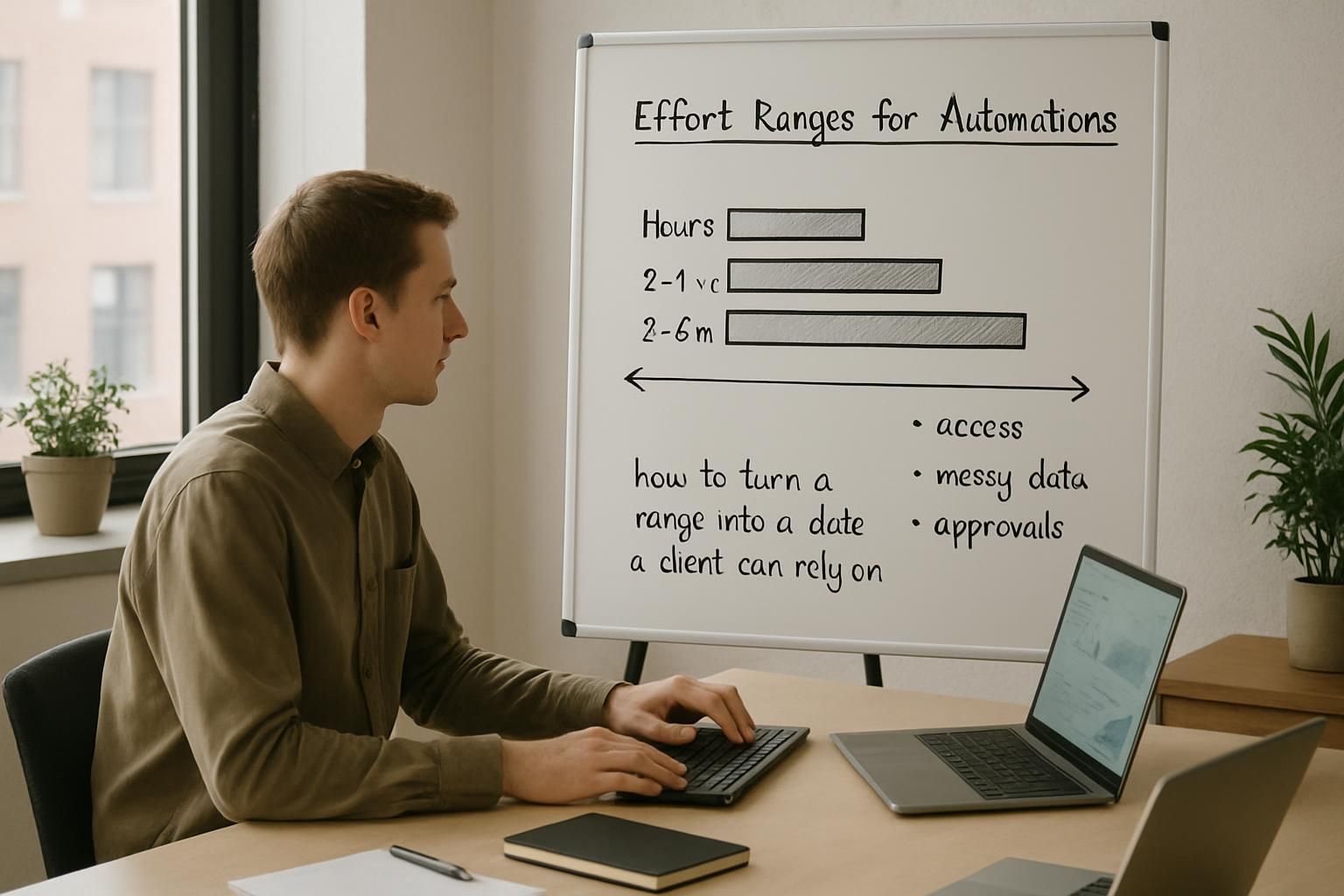
How long automations really take: effort ranges, labelled
Editorial effort ranges for common automations, what stretches them (access, messy data, approvals), and how to turn a range into a date a client can rely on.
3 min read · 22 September 2026

How to hire an AI builder: a five-step process for business owners
Five steps: one task, a shortlist by proof, one short call, a two-week pilot in your own accounts, then a decision. Plus the questions to ask on the call.
3 min read · 22 September 2026

How to run a two-week pilot that turns into a retainer
The pilot that converts: fixed scope, five days on real data, one number, a hand-over the client can open, and the retainer conversation on the last day.
3 min read · 22 September 2026