Automating invoices and documents: what a realistic scope looks like
What document automation reliably does (extract, sort, file, flag), where it needs a person, how accuracy is measured, and what a first project includes.
3 min read Reviewed 22 September 2026 · AgeBridge Editorial
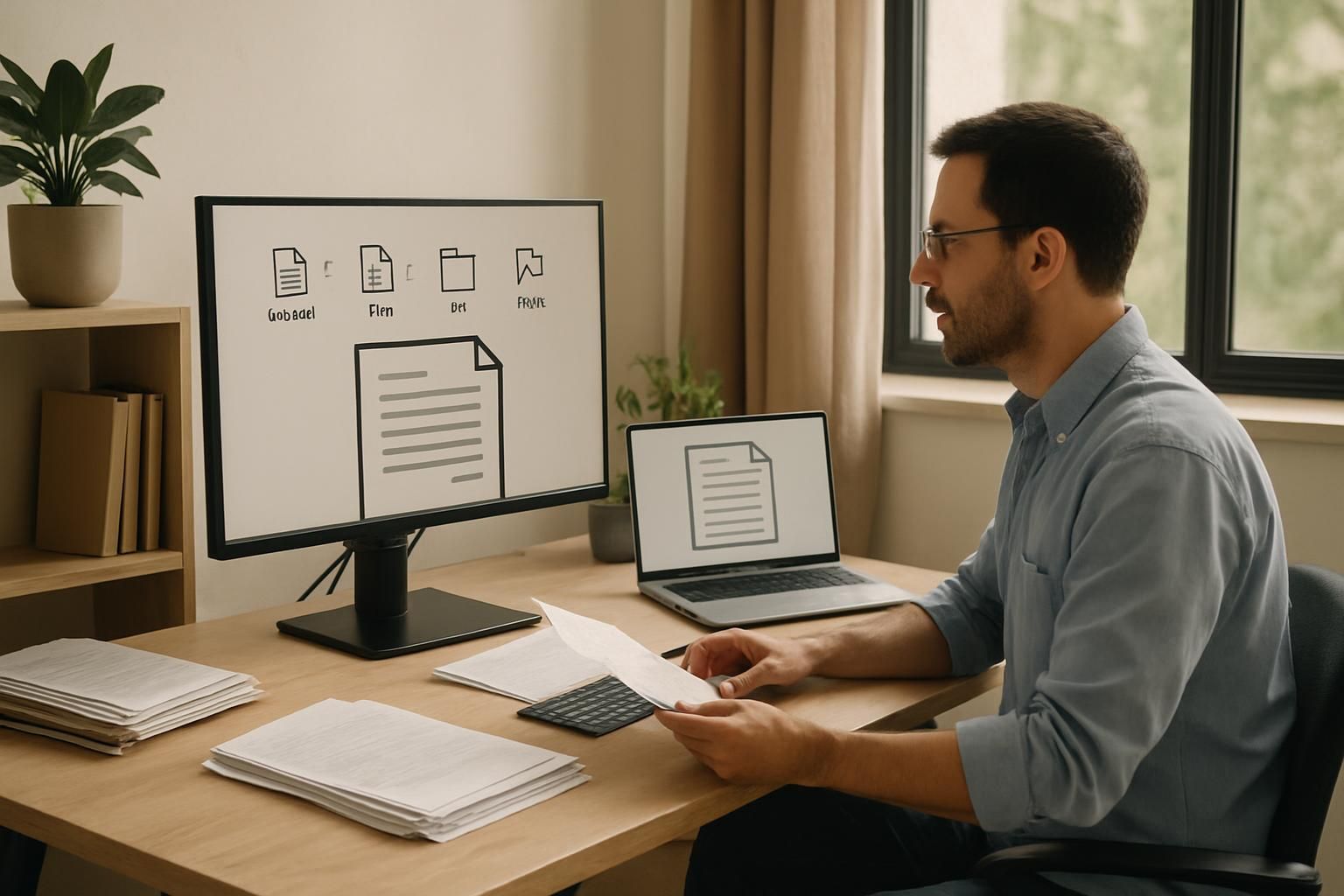
A realistic document automation for a small business collects incoming invoices, receipts and forms from email, WhatsApp or a folder, classifies each one, extracts the fields you actually use (supplier, date, amounts, VAT, reference), validates them (totals add up, supplier known, no duplicate), and files the clean ones into a sheet or your books while flagging the unclear ones for a person. It does not replace the bookkeeper's judgement or approve payments. The first project should cover one document type, one destination, and measure the share of documents that pass through without manual entry.
What it reliably does
- Collects from the places documents arrive: a mailbox, a WhatsApp number, a shared folder.
- Classifies by type so each goes down the right path.
- Extracts the fields you use. Not every field on the page; the ones your process needs.
- Validates with rules: arithmetic, known suppliers, date ranges, duplicate references.
- Files clean documents where they belong, named consistently, with the data in a sheet or the books.
- Flags anything uncertain to a person with the document and the reason.
- Arrives: Email attachment, WhatsApp photo, upload folder
- Classified: Invoice, receipt, form, contract, other
- Extracted: Supplier, date, amounts, VAT, reference
- Validated: Totals add up; supplier known; duplicate check
- Filed or flagged: Clean ones to the sheet or books; unclear ones to a person
Where it needs a person
- Ambiguous documents. Faded receipts, handwritten notes, a photo of half a page.
- Judgement. Which project an expense belongs to, whether an invoice is legitimate, whether to pay.
- Approvals. Anything that moves money stays with a person; the automation prepares, a person confirms.
- Rare document types. A one-off contract isn't worth automating; route it.
The design that works assumes exceptions exist and makes them easy to handle, rather than promising none.
How accuracy is measured
Take fifty real documents from last month, including the bad ones. Run them through. For each, count fields extracted correctly, and whether the document went through clean, was flagged correctly, or slipped through with an error. The last category is the one that matters; a document flagged for a person costs a minute, a wrong amount filed silently costs more. Insist on seeing this table before going live, and on the share of clean pass-through as the monthly number.
A first project that fits in two weeks
| Element | Choice |
|---|---|
| Document type | Supplier invoices only |
| Source | One mailbox |
| Fields | Supplier, invoice number, date, net, VAT, total |
| Destination | A validated sheet the bookkeeper imports |
| Exceptions | A "needs a look" folder plus a WhatsApp message |
| Number | Share of invoices filed without manual entry |
Receipts by photo, forms, and direct posting to the books come after, each as its own piece.
Data and retention
Invoices carry supplier and sometimes customer details, and tax rules set how long records must be kept. Ask the builder which fields leave your systems and where documents are stored, and set a retention rule with your accountant. The safety guide covers the four controls that apply here.
Best fit and not a good fit
Best fit: businesses receiving dozens of documents a month with someone typing them in: accountants' clients, contractors, clinics, importers, agencies. Not a good fit: a handful of invoices a month, or documents that are mostly unique; the manual minute per document is cheaper than the build.
What to do next
Count last month's invoices and the minutes spent entering them. If it's hours, find a builder on the marketplace who shows a document pipeline with a visible exception path, and ask for the two-week pilot above.
Questions people ask
How accurate is extraction?
For clear, typed invoices, very high on the fields that matter; for photos of crumpled receipts, lower. The honest design assumes some documents will be flagged for a person, and measures the share that go through clean.
Can it post directly into my accounting software?
Often, if the software has an API or an import format; Israeli systems vary. Many first projects stop at a validated sheet the bookkeeper imports, and add direct posting once accuracy is proven.
What about documents in Hebrew?
Modern extraction handles Hebrew, mixed Hebrew and English, and right-to-left layouts. Test on your own documents in the pilot rather than assuming; the test set is the point.
Sources
- Israel Tax Authority · gov.il · 2026-06-01
Editorial guidance, not advice. Estimates are labelled and dated; nothing here is AgeBridge marketplace data unless it says so.
Find builders who have done this
Profiles with real projects and evidence, not claims.
Browse the marketplaceRelated guides
How long does an AI automation project take? Realistic timelines
Editorial timelines for common small-business automations, what makes them slip, and which parts of the calendar belong to you, not the builder.
3 min read · 22 September 2026

Is AI automation safe for my business? Data, mistakes and control
Three real risks of a small-business automation, four controls that handle them, and the questions that show whether a builder takes safety seriously.
3 min read · 22 September 2026
What should a small business automate with AI first?
A decision method for owners: score your repetitive tasks by volume, pain and clarity, start with one that touches customers, and run it as a two-week pilot.
4 min read · 22 September 2026