Proof over claims: the evidence that convinces a buyer
Buyers rank evidence: a demo beats a screenshot, a screenshot beats a description, a description beats a skill badge. The proof ladder and how to climb it.
3 min read Reviewed 22 September 2026 · AgeBridge Editorial
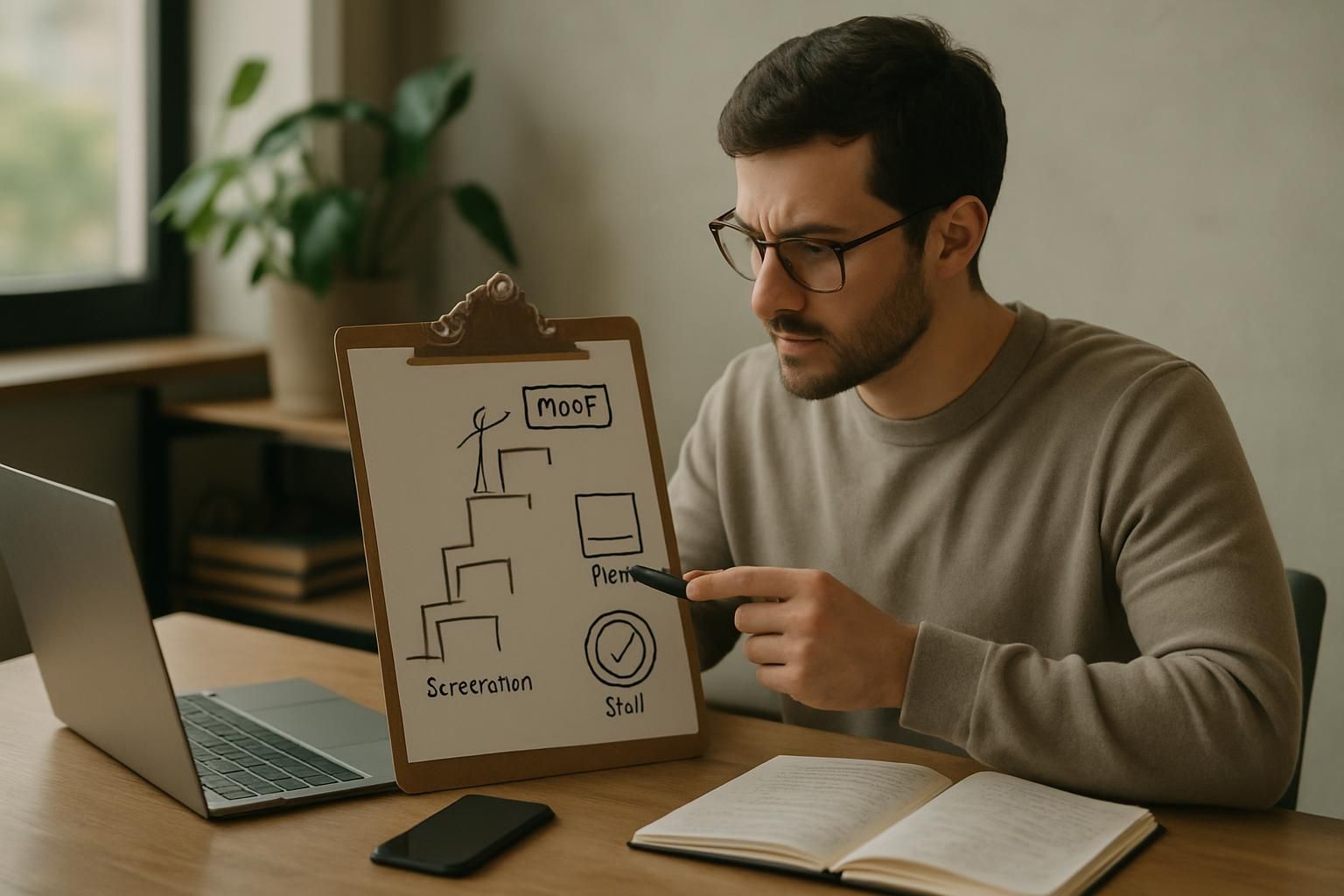
A buyer choosing an AI builder is ranking evidence, whether they know it or not. A result the client confirms beats a working demo, a demo beats screenshots of a real workflow, screenshots beat a written description, and a description beats any skill badge or tool logo. Most builder profiles stop at the bottom of that ladder. Climbing two rungs, a real screenshot and a 60-second recording per project, changes how buyers read everything else on your page. This guide explains the ladder and the cheapest way up it.
Why don't skills convince anyone?
"Make, n8n, OpenAI, Supabase" tells a buyer what you have opened, not what you have finished. Every builder lists the same tools, so the list carries no information. Buyers, especially those burned by a previous project, have learned to skip it and look for one thing: has this person shipped something like my problem, and can I see it?
- A result the client confirms: Number, period, quote, permission
- A working demo on real-shaped data: Recording or live link
- Screenshots of the real workflow: Tools named, data blurred
- A written description: Problem, build, outcome
- A skill badge or tool logo: Says nothing about outcomes
The ladder, rung by rung
Rung 5: badges and logos
Harmless, useless. Keep the tool names in project captions where they explain a screenshot; don't lead with them.
Rung 4: a written description
Problem, what you built, what changed. Necessary but not sufficient: anyone can write it. It becomes credible only when the rungs above support it. Use the case-study structure so at least the writing does its job.
Rung 3: screenshots of the real workflow
One screenshot of the scenario in Make or n8n, or the code's key function, with names and phone numbers blurred and the tools labelled. This is the cheapest big step: it proves the thing exists. Add a second screenshot of the output, for example the CRM entry the automation created.
Rung 2: a working demo
A 60-second screen recording of the automation handling a realistic input end to end: form submitted, WhatsApp reply arrives, CRM entry appears. Narrate in one sentence per step. Where possible, a live sandbox the buyer can try with a test phone number. Demos are where buyers stop doubting.
Rung 1: a result the client confirms
One measured number with its period and method, plus a sentence from the client and permission to use it. "Reply time under a minute, measured over two weeks from CRM timestamps. 'We stopped losing evening leads.' Owner, dental clinic, Sharon area." This rung takes weeks because the automation must run; plan for it from day one by choosing the measurement before you build.
What a strong project page looks like
| Element | Weak version | Strong version |
|---|---|---|
| Title | "AI lead bot" | "WhatsApp lead replies within a minute for a dental clinic" |
| Problem | "Client needed automation" | Owner's sentence about evening leads |
| Build | Tool list | 4 bullets of what happens + workflow screenshot |
| Result | "Great results" | Number, period, method, who measured |
| Evidence | None | Recording + 2 screenshots + quote with permission |
| Honesty | Everything went well | What broke and what you changed |
How to add proof to a project you already finished
- Open the workflow and take one clean screenshot; blur personal data.
- Run it on a test input and record the screen for a minute.
- Message the client: one sentence you can quote, and how they'd like to be named.
- Ask for the one number, or set up the measurement now for next month.
- Attach all of it to the project on your profile and rewrite the title as the outcome.
An hour of work moves a project from "described" to demonstrable, and every future buyer sees the difference before they read a word.
Best fit and not a good fit
Best fit: any builder with at least one real build, including guided builds run on realistic data. Not a good fit: trying to compensate for no projects with more certifications. Do one small real project first; the proof ladder starts there.
What to do this week
Pick your best project. Add the screenshot and the recording today, ask the client for the sentence tomorrow. Then do the same for the second project.
Questions people ask
Can I show a client's data in screenshots?
Only with permission, and blur names, phone numbers and amounts anyway. A blurred real screenshot is stronger than a clean fake one.
What counts as a demo?
A recording of the automation handling a realistic input end to end, or a live sandbox the buyer can try. A slide deck is not a demo.
Should I get certifications?
They rarely move a buyer. A single documented project with a demo does more. Spend the time on the project.
How does AgeBridge treat proof?
Projects show a proof level based on the evidence attached, and Pro members can request a human review that marks a project 'Reviewed by AgeBridge' when the demo works as described.
Sources
- Make: Getting started · Make · 2026-06-01
Editorial guidance, not advice. Estimates are labelled and dated; nothing here is AgeBridge marketplace data unless it says so.
Put this into practice on your AgeBridge profile
A free profile with real projects is what businesses look at first.
Build my profileRelated guides

A portfolio for AI builders: what to include and what to cut
Three proven projects beat ten described ones. The sections a buyer reads, the order they read them in, and what to remove from your profile this week.
3 min read · 22 September 2026

How to write a case study a business owner will actually read
A one-page structure for AI-builder case studies: the problem in the owner's words, what you built in plain language, what changed, and proof a buyer can check.
4 min read · 22 September 2026

What companies actually buy from AI builders in 2026
Businesses buy outcomes, not models: fewer missed leads, faster answers, less manual data entry. What sells, what doesn't, and how to describe your work.
4 min read · 22 September 2026